
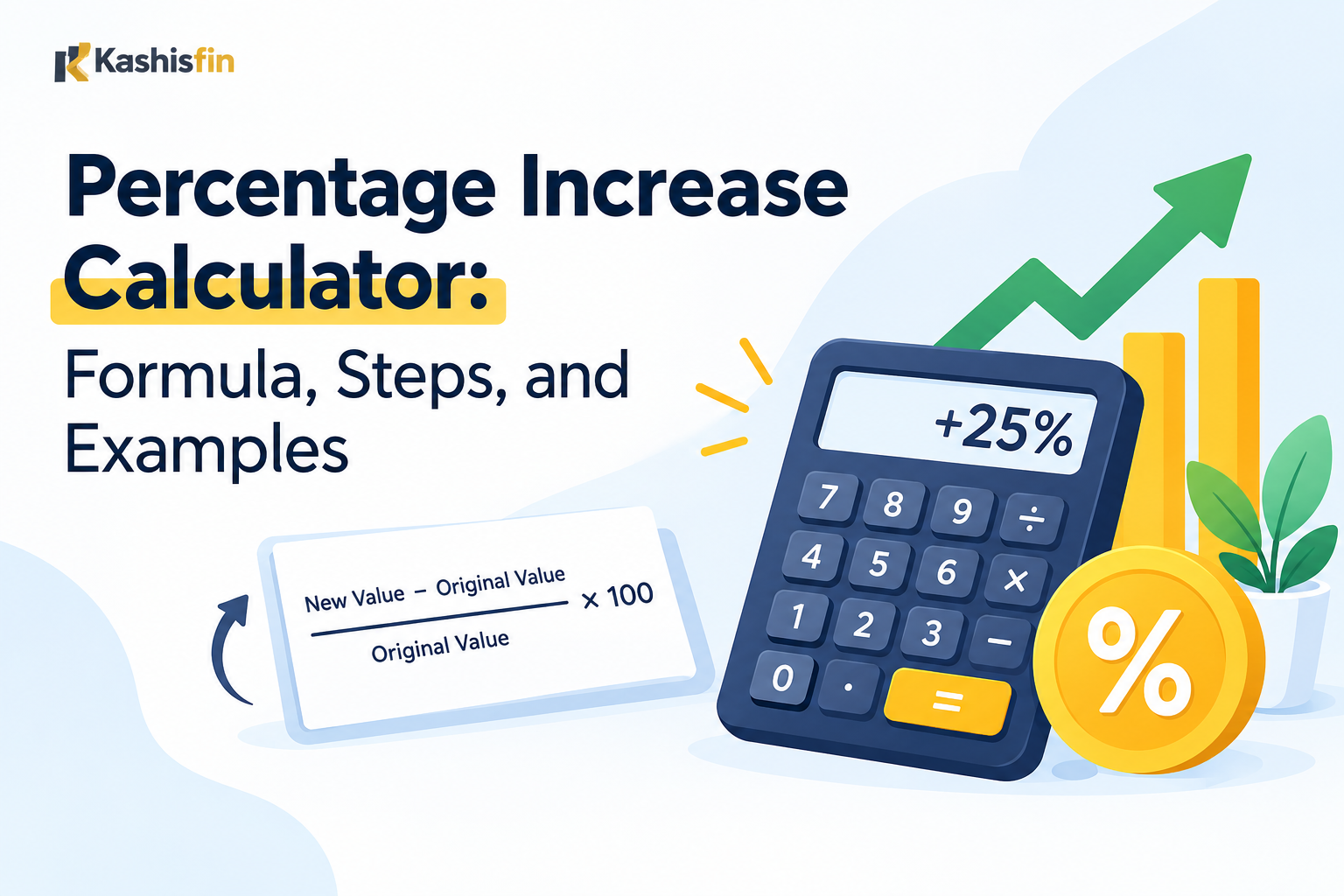
A percentage increase calculator shows how much a number has grown compared to where it started. You enter an old value and a new value. The calculator gives you the growth as a percent.
You can also do this by hand in under a minute. This guide shows you the formula, simple steps, and real examples. You will also learn how to get a percentage of a number, how to find a percent difference between two numbers, and which mistakes to avoid.
Quick Answer: How to Find a Percentage Increase
To find a percentage increase, subtract the old value from the new value. Divide that result by the old value. Multiply by 100.
Formula:
Percentage Increase = ((New Value − Old Value) ÷ Old Value) × 100
Example: A price goes from $80 to $100.
- $100 − $80 = $20
- $20 ÷ $80 = 0.25
- 0.25 × 100 = 25%
The price increased by 25%.
What Is a Percentage Increase?
A percentage increase tells you how much something grew, compared to its starting point. It uses a percent so you can compare changes of different sizes.
A $10 rise sounds big on a $20 item. It sounds small on a $2,000 item. The percent shows the real size of the change. On the $20 item, $10 is a 50% increase. On the $2,000 item, $10 is a 0.5% increase.
People use percentage increase in many places:
- Price changes in stores
- Salary raises
- Rent increases
- Website traffic growth
- Business sales and profit
- Savings and investment growth
- School test score changes
How a Percentage Increase Calculator Works
A calculator follows the same formula you saw above. It does the math for you, so you avoid small errors.
You only need two numbers:
- Starting value: the old number, also called the original value
- Ending value: the new number
The calculator subtracts, divides, and multiplies by 100. Then it shows the answer as a percent.
If the answer is negative, the number went down. That is a percentage decrease, not an increase.
How to Find Percent Increase Step by Step
Follow these four steps. They work for any two numbers where the starting value is not zero.
Step 1: Write down the old and new values
Put the starting number first. Put the ending number second.
Example: Your monthly rent was $1,200. It is now $1,320.
Step 2: Subtract the old value from the new value
This gives you the amount of change.
$1,320 − $1,200 = $120
Step 3: Divide the change by the old value
This turns the change into a decimal.
$120 ÷ $1,200 = 0.10
Step 4: Multiply by 100
This turns the decimal into a percent.
0.10 × 100 = 10%
Your rent increased by 10%.
Common mistake: Many people divide by the new value. Always divide by the old value. The old value is your starting point.
More Percentage Increase Examples
Real examples make the formula easier to remember.
| Situation | Old Value | New Value | Change | Percentage Increase |
|---|---|---|---|---|
| Grocery item price | $120 | $150 | $30 | 25% |
| Monthly salary | $4,000 | $4,400 | $400 | 10% |
| Website visitors | 2,500 | 3,100 | 600 | 24% |
| Savings balance | $5,000 | $5,250 | $250 | 5% |
| Store sales | $18,000 | $27,000 | $9,000 | 50% |
Example: Salary raise
Your pay goes from $4,000 to $4,400 a month.
- $4,400 − $4,000 = $400
- $400 ÷ $4,000 = 0.10
- 0.10 × 100 = 10%
You received a 10% raise.
Example: Website traffic
Your site had 2,500 visitors last month and 3,100 this month.
- 3,100 − 2,500 = 600
- 600 ÷ 2,500 = 0.24
- 0.24 × 100 = 24%
Your traffic grew by 24%.
How to Get a Percentage of a Number
Finding a percentage of a number is a different task. You are not comparing two values. You are finding a part of one value.
Quick answer: To get a percentage of a number, change the percent to a decimal and multiply. Divide the percent by 100, then multiply by the number.
Formula:
Part = (Percent ÷ 100) × Number
Example: What is 15% of 80?
- 15 ÷ 100 = 0.15
- 0.15 × 80 = 12
So 15% of 80 is 12.
Quick mental math tricks
- 10% of a number: Move the decimal one place left. 10% of 250 is 25.
- 5% of a number: Find 10%, then cut it in half. 5% of 250 is 12.50.
- 1% of a number: Move the decimal two places left. 1% of 250 is 2.50.
- 15% of a number: Add 10% and 5%. 15% of 80 is 8 + 4 = 12.
These tricks help with tips, discounts, and sales tax.
Example: Restaurant tip
Your bill is $65. You want to leave an 18% tip.
- 18 ÷ 100 = 0.18
- 0.18 × 65 = 11.70
The tip is $11.70.
How Do I Find Out What Percentage One Number Is of Another?
This is the other common version of the question. You know the part and the whole. You want the percent.
Quick answer: Divide the part by the whole. Multiply by 100.
Formula:
Percent = (Part ÷ Whole) × 100
Example: What percent is 30 of 120?
- 30 ÷ 120 = 0.25
- 0.25 × 100 = 25%
So 30 is 25% of 120.
Use this when you want to know test scores, completion rates, or what share of a budget you spent.
How to Calculate a Percent Difference Between Two Numbers
Percent difference and percentage increase are not the same thing. People mix them up often.
Quick answer: Percent difference compares two numbers when neither one is the clear starting point. Divide the gap between them by their average. Multiply by 100.
Formula:
Percent Difference = (|A − B| ÷ ((A + B) ÷ 2)) × 100
The straight lines around A − B mean you ignore any minus sign. The gap is always positive.
Example: Compare two phone plans that cost $40 and $60.
- Gap: |40 − 60| = 20
- Average: (40 + 60) ÷ 2 = 50
- 20 ÷ 50 = 0.40
- 0.40 × 100 = 40%
The percent difference is 40%.
Percent difference vs. percentage increase
Here is the same pair of numbers, 40 and 60, in both methods.
| Method | When to Use | Result for 40 and 60 |
|---|---|---|
| Percentage increase | One number is the starting point and the other is the new value | 50% |
| Percent difference | Neither number is the starting point | 40% |
The results differ because the two formulas divide by different things. Percentage increase divides by the old value, 40. Percent difference divides by the average, 50.
Use percentage increase when time or order matters, like last year and this year. Use percent difference when you compare two items side by side, like two products.
How to Find the New Number After a Percentage Increase
Sometimes you know the starting number and the percent. You need the final number.
Formula:
New Value = Old Value × (1 + Percent ÷ 100)
Example: A $200 item goes up by 15%.
- 15 ÷ 100 = 0.15
- 1 + 0.15 = 1.15
- 200 × 1.15 = $230
The new price is $230.
How to Find the Original Number Before an Increase
You may know the final number and the percent increase. You want the starting number.
Formula:
Old Value = New Value ÷ (1 + Percent ÷ 100)
Example: After a 20% increase, a price is $240.
- 20 ÷ 100 = 0.20
- 1 + 0.20 = 1.20
- 240 ÷ 1.20 = $200
The original price was $200.
Common mistake: Do not subtract 20% from $240. That gives $192, which is wrong. The 20% was taken from the old price, not the new one.
Percentage Increase vs. Percentage Decrease
If the new value is lower than the old value, the result is negative. This is a percentage decrease.
Example: A jacket goes from $80 to $60.
- $60 − $80 = −$20
- −$20 ÷ $80 = −0.25
- −0.25 × 100 = −25%
The price dropped by 25%.
Why increases and decreases are not symmetrical
A 50% drop followed by a 50% rise does not bring you back to the start.
- Start at $100.
- Drop 50%, and you have $50.
- Rise 50%, and you have $75.
To get back to $100 from $50, you need a 100% increase. This happens because each percent uses a different starting number.
Percentage Increase vs. Percentage Points
These two terms sound alike but mean different things.
- Percentage points measure the simple gap between two percents.
- Percentage increase measures relative growth.
Example: An interest rate moves from 4% to 5%.
- The change is 1 percentage point.
- The percentage increase is (5 − 4) ÷ 4 × 100 = 25%.
News stories and reports often use both. Check which one is meant before you compare numbers.
When You Cannot Use the Percentage Increase Formula
Percentage increase has limits. Keep these in mind.
- The old value is zero. You cannot divide by zero. The percent increase from 0 to 50 is undefined.
- The old value is negative. The result can be confusing. For example, going from −10 to 5 gives a number that does not describe the change well. Describe the change in plain amounts instead.
- The starting number is very small. Going from 1 to 3 is a 200% increase. That sounds huge, but the real change is only 2. Always look at the raw numbers too.
Common Mistakes When Calculating Percentage Increase
Dividing by the new value
This is the most common error. Always divide by the old value.
Why it happens: The new number is the one people see first.
Result: The percent comes out too small.
Mixing up percent difference and percentage increase
Use percentage increase for a before and after change. Use percent difference for two items with no clear starting point.
Forgetting to multiply by 100
If you stop at 0.25, you have a decimal, not a percent. Multiply by 100 to get 25%.
Adding percents from different bases
If a price rises 10% and then 10% again, the total is not 20%. The second 10% applies to a larger number.
- $100 + 10% = $110
- $110 + 10% = $121
The real total increase is 21%.
Reading percentage points as percent
A rise from 10% to 12% is 2 percentage points. It is a 20% increase in relative terms. Be clear which one you mean.
Best Practices for Accurate Results
- Write the old and new values before you start.
- Check that the old value is the true starting point.
- Round only at the end, not in the middle of the steps.
- Keep the same units for both numbers. Do not compare dollars with cents.
- Check your answer. Multiply the old value by (1 + percent ÷ 100). You should get the new value.
Where a Percentage Increase Calculator Helps Most
- Shopping: Compare old and new prices to see if a deal is real.
- Work: Check if a raise keeps up with rising costs.
- Business: Track growth in revenue, orders, or visitors.
- School: Measure improvement between two test scores.
- Personal finance: See how much your savings or investments grew.
- Housing: Understand how much rent or a mortgage payment has risen.
A calculator saves time when you have many numbers to check. For one or two quick checks, the hand formula works just as well.
Frequently Asked Questions
What is the formula for percentage increase?
The formula is ((New Value – Old Value) ÷ Old Value) × 100. Subtract the old value from the new value, divide by the old value, and multiply by 100.
How do I find the percentage of a number?
Change the percent to a decimal by dividing by 100. Then multiply it by the number. For example, 20% of 150 is 0.20 × 150 = 30.
How do I find out what percent one number is of another?
Divide the part by the whole and multiply by 100. For example, 45 out of 60 is (45 ÷ 60) × 100 = 75%.
How do I calculate a percent difference between two numbers?
Find the gap between the two numbers. Divide it by their average. Multiply by 100. Use this when neither number is the starting point.
Can a percentage increase be more than 100%?
Yes. If a value more than doubles, the increase is over 100%. Going from 20 to 60 is a 200% increase.
Is percentage increase the same as percent change?
Percent change is the broader term. A positive result is a percentage increase. A negative result is a percentage decrease.
How do I find the increase percentage in Excel or Google Sheets?
Enter the old value in cell A1 and the new value in cell B1. In another cell, type =(B1-A1)/A1. Then format that cell as a percent.
Why is my percentage increase different from the percent difference?
They use different bases. Percentage increase divides by the old value. Percent difference divides by the average of both values.
Final Thoughts
A percentage increase calculator answers one simple question: how much did a number grow compared to where it started? The key is to divide by the old value, then multiply by 100.
Once you know that one formula, the related tasks become easy. You can find a percentage of a number, work out what percent one value is of another, and calculate a percent difference. Keep the old value as your base, check your result, and watch for the mix-ups listed above. These habits give you accurate answers every time.